WordPress vs a Custom-Built Website: Which One Should Your Business Choose?
The short answer
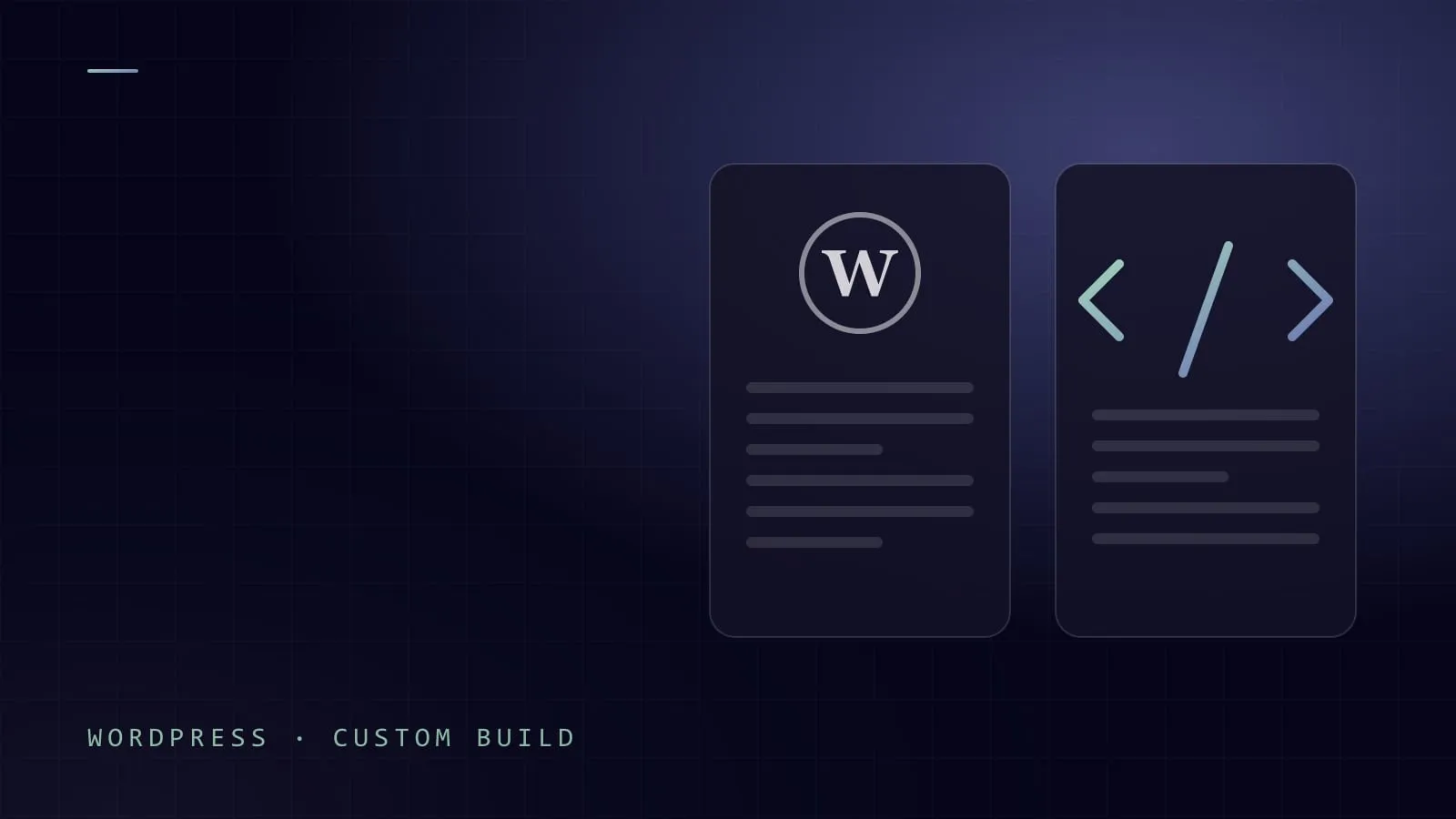
Choose WordPress if your website is mainly content that your own team needs to edit often, such as a company site, a blog or a news section, and you want a proven platform with a fast launch. Choose a custom-built website (a modern framework or a static site) if performance, a unique user experience, deep integrations with your ERP or CRM, or strict security matter more than point-and-click editing. Many businesses end up with a hybrid: WordPress or a headless CMS for content, and custom code where the business logic lives.
Neither option is “better” in general. The right choice depends on who updates the site, what it connects to, and how much it must grow.
What we mean by each option
WordPress is an open-source content management system (CMS) that powers a large share of the web. Most business sites on it use a theme plus a page builder such as Elementor, so non-developers can edit sections, text and images without code. Forms, SEO, translations and stores come from plugins.
A custom-built website is written by developers with a modern framework (such as Astro, Next.js or Nuxt) or generated as a static site: plain HTML, CSS and a little JavaScript. Content can live in code, Markdown files or a separate CMS.
Side-by-side comparison
| Factor | WordPress + page builder | Custom-built website |
|---|---|---|
| Editing by non-technical staff | Excellent. Visual editing out of the box; staff can add pages and posts on their own. | Depends on the setup. Without a CMS, changes go through developers; with a headless CMS, editing is easy but more structured. |
| Speed and Core Web Vitals | Good results are possible, but page builders and many plugins add weight. Needs caching, image optimization and discipline. | Usually excellent by default, because only the code the page needs is shipped. Static pages are very fast. |
| Security and updates | Core, theme and plugins need regular updates. Outdated or abandoned plugins are the most common weak point. | Smaller attack surface, especially for static sites with no database or admin panel exposed. Dependencies still need occasional updates. |
| Multilingual and RTL (Arabic, English, Turkish) | Works through translation plugins; RTL quality depends heavily on the theme and builder, and mixed-direction layouts often need fixes. | Full control over RTL layout, fonts and language routing; each language can be designed properly rather than mirrored. |
| SEO | Strong with an SEO plugin; easy for editors to manage titles and meta descriptions. | Strong if the developers build it in: clean HTML, structured data, hreflang and fast pages. Less self-service for editors unless a CMS is added. |
| Design freedom | Limited by the theme and builder; truly unique layouts and interactions get harder and heavier. | Unlimited. Any layout, animation or interaction can be built precisely. |
| Integrations (ERP, CRM, payments) | Plugins exist for common tools; anything unusual means custom plugin development anyway. | Built for exactly your systems and workflows; best for two-way data sync and custom logic. |
| Hosting needs | PHP and a database; runs on almost any shared hosting, but performance depends on the server. | Static sites can run on simple, inexpensive hosting or a CDN; dynamic apps need an appropriate server. |
| Long-term maintenance | Ongoing: updates, backups, plugin compatibility checks, occasional conflicts after updates. | Lower routine upkeep for static sites; changes to structure or features need a developer. |
| Cost structure | Lower upfront build effort; recurring costs for premium plugins, themes and maintenance. | Higher upfront development effort; lower recurring costs for static sites, but new features are paid development work. |
When WordPress is the right choice
WordPress is often the sensible answer, and we recommend it regularly. It fits well when:
- Your team edits content often. If marketing wants to publish news or add pages weekly without waiting for a developer, WordPress with a page builder is hard to beat.
- The site is content-heavy. Blogs, magazines and knowledge bases are what WordPress was made for.
- It is a standard company website. Home, about, services, projects, contact: a good theme covers this.
- The timeline is tight. Using a mature theme and proven plugins gets a professional site live quickly.
- You want a large ecosystem. Many developers know WordPress, so you are not locked into one supplier.
The condition: a lightweight theme, few plugins, regular updates and real backups.
When a custom build wins
A custom-built website is worth the extra development effort when:
- Performance is a business requirement. If rankings, ad landing pages or mobile visitors on slow networks matter, a lean static site gives you speed without constant tuning.
- The experience must be unique. Signature interactions and layouts are easier to build cleanly in code than to force into a page builder.
- You need complex integrations. Live stock from your ERP, customer data synced with a CRM, custom pricing logic or a payment flow tied to your back office.
- It is really a portal or app. Customer accounts, dashboards, booking systems, B2B ordering or anything that behaves like an application rather than a brochure.
- Security is sensitive. A static front end with no public admin panel and no plugin layer removes whole categories of risk.
- Multilingual and RTL quality matters. Arabic, English and Turkish versions that each feel native are easier with full control over the markup.
The hybrid option
You do not always have to choose one or the other:
- Headless CMS. Editors use a friendly CMS (even WordPress in “headless” mode), while the public site is a fast custom front end.
- WordPress for the blog, custom code for the product. Marketing keeps WordPress for articles; the customer portal or booking system is a separate custom application.
- Static site with Markdown content. Content lives next to the code and the site stays extremely fast.
A practical decision checklist
- Who will update the site, and how often? Non-technical staff editing weekly points toward WordPress or a headless CMS.
- What must the site connect to? If the answer includes your ERP, CRM, inventory or custom payment logic, lean toward custom.
- How important is speed? If Core Web Vitals and mobile performance directly affect revenue, favour a custom or static build.
- Is the design standard or distinctive? A standard layout suits a theme; a signature experience suits custom code.
- Which languages and directions do you need? For Arabic RTL alongside English and Turkish, check how each option handles real content, not just a demo.
- Will it grow into an application? Accounts, dashboards or ordering mean you should plan for custom work from the start.
- Who will maintain it? Someone must handle WordPress updates, or someone must be available for code changes. Decide before launch.
- What is your timeline? A fixed, near launch date favours a proven WordPress setup or a focused custom build with a tight scope.
Questions to ask your agency
- Why are you recommending this option for our site specifically?
- Who owns the code, the content and the hosting account after launch?
- How will our team edit content, and can you show us before we sign?
- How many plugins or third-party services will the site depend on?
- What is your plan for updates, backups and security monitoring?
- How will you handle Arabic RTL and multiple languages, and can we see a live example?
Frequently asked questions
Is WordPress still a good choice in 2026?
Yes, for many businesses. WordPress remains a strong choice for content-driven websites that non-technical teams edit regularly. Its main weaknesses, plugin bloat and updates, are manageable with routine maintenance.
Is a custom website faster than WordPress?
Usually, yes. A custom or static site ships only the code each page needs, so it loads faster with less effort. An optimized WordPress site can also perform well, but page builders and heavy plugins make that harder to sustain.
Can I edit a custom-built website myself?
Yes, if it is built with editing in mind. Connecting a headless CMS gives your team a simple editing screen for text, images and posts. Without a CMS, content updates go through developers, which suits sites that change rarely.
Can I move from WordPress to a custom site later?
Yes. Content can be exported and migrated, and old URLs redirected so you keep your search rankings. Careful planning of redirects and multilingual URLs prevents traffic loss.
How Cortex Software approaches it
At Cortex Software we build both, and we pick based on the client rather than our preference. Family Foods and Arkan Build run on WordPress because their teams edit content themselves, and that independence matters more to them than anything else. Our own site, cogr.tech, is a custom static build in Arabic, English and Turkish, because we wanted full control over speed, RTL layout and design.
If you are deciding between the two, see our web platforms service, browse our work, or request a quote and we will recommend the option that fits how your business actually runs.